If you want to experiment with Claude Code, below is an overview of the options I’ve tried, and when each one makes sense.
1. Run Claude Code from the terminal
Refer to Claude Code docs for prerequisites on getting started, open your terminal program and enter:curl -fsSL https://claude.ai/install.sh | bash
Once installed, navigate to your new project folder and run:claude
This works well if you want the experience to be more “agentic”, less a coding partner and you are familiar with a terminal.

2. VS Code integration
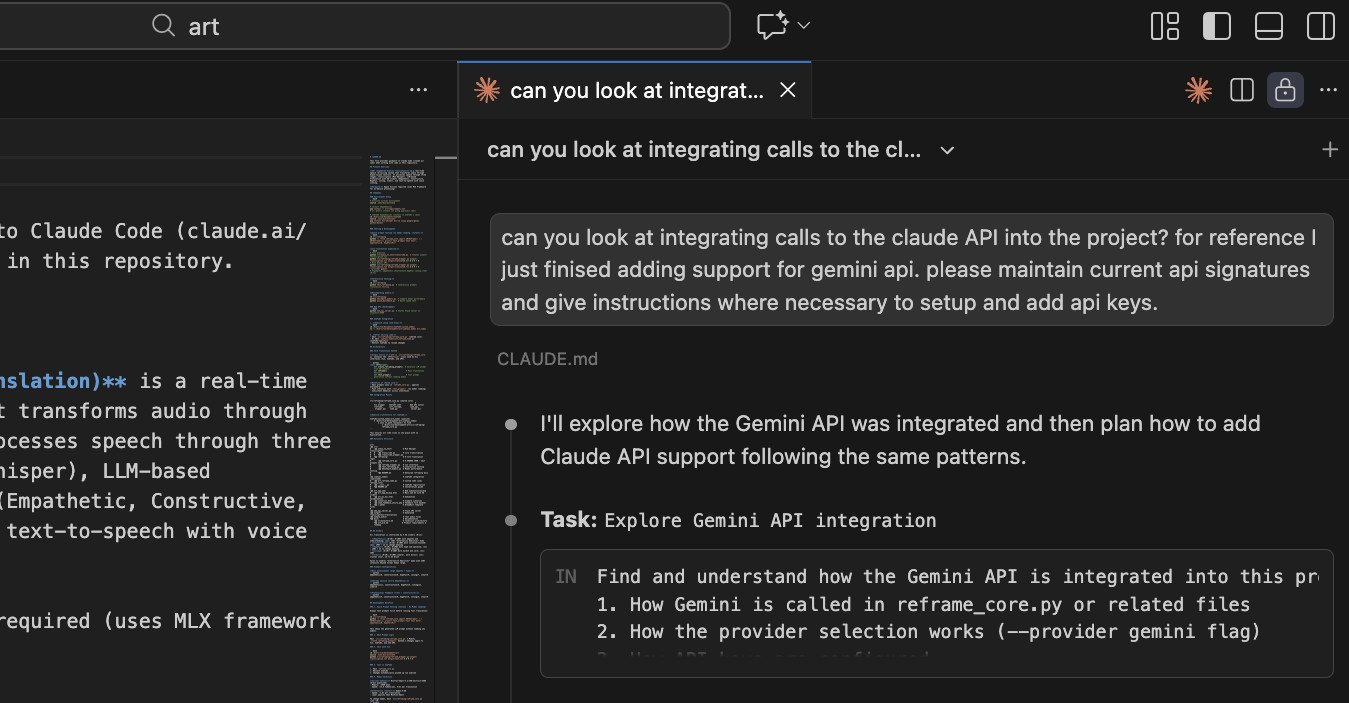
If you prefer to work with Claude Code as a collaborator, you can integrate it directly in VS Code (or Cursor, Windsurf or JetBrains IDEs) via the extension from Anthropic. It’s still the CLI app underneath, but you get better visibility into changes and a more editor-native experience so you can review and make changes easily. If you’re coming from Cursor, this will feel familiar to how you were working.
2b. Other IDEs: Antigravity and Cursor
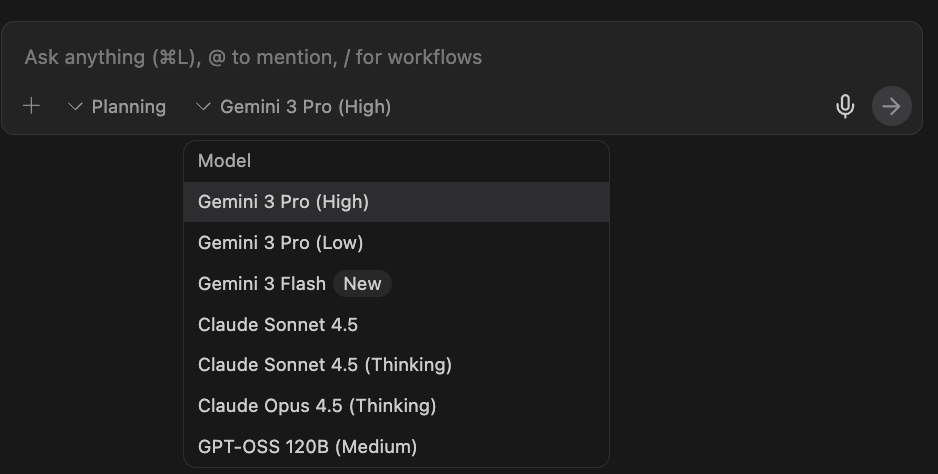
You can code with Claude models also in Google’s Antigravity and Cursor’s IDE. The interface is slightly different and the usage quotas have reduced but if you already have an account, there’s no reason not to jump between tools. Make sure to keep your project documentation up to date!
3. Claude Code in the browser
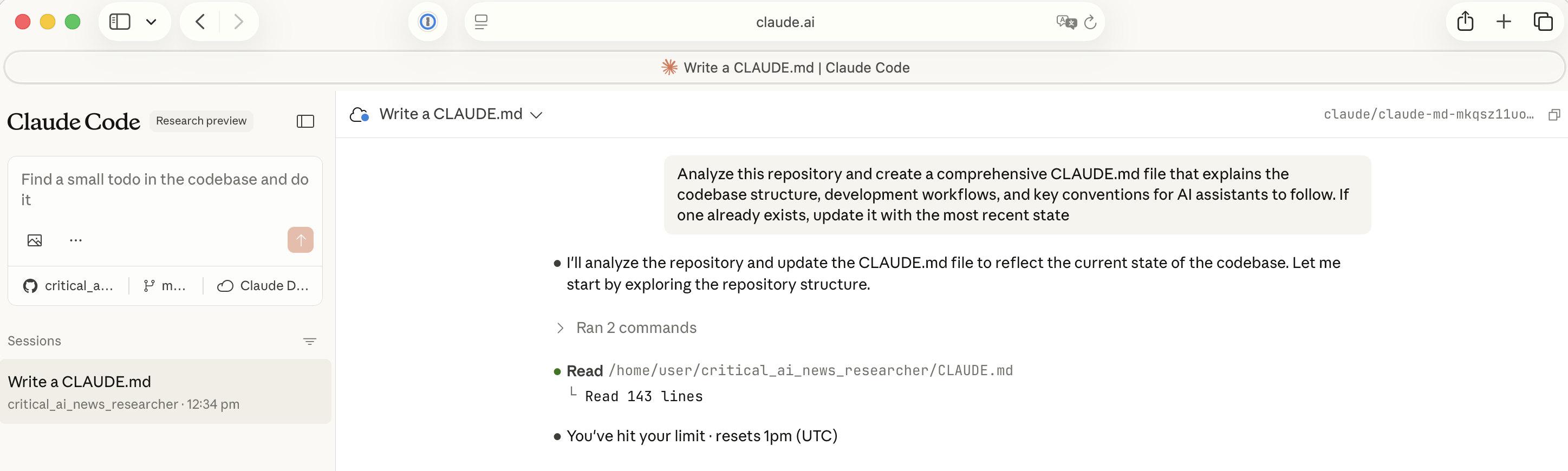
Lastly, if your codebase is in an online accessible repo, you can run Claude Code in the browser at: https://claude.ai/code
You can also choose to give it access to your private repos in GitHub.
Wrap-up
With that I’ve hit my usage limit.. which brings me to my next post: Running with local models! Please let me know how you Claude Code in the comments, especially if I missed the way you use it.